


Works on these pages:
- Product details page
- Category page
- Manual install elsewhere
- VirtueMart 4.x.x
- VirtueMart 3.x.x
- VirtueMart 2.x.x
- VirtueMart 1.x.x
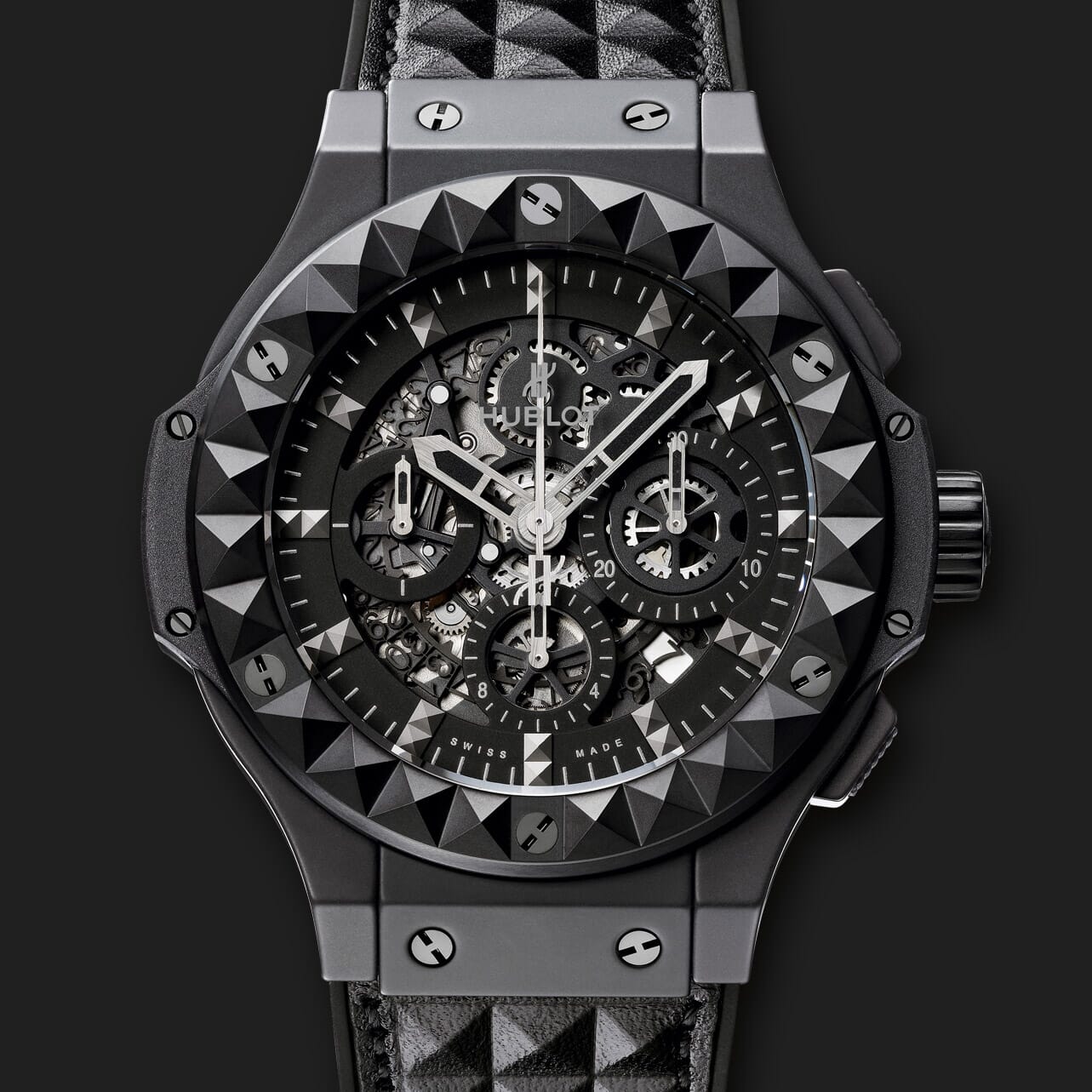
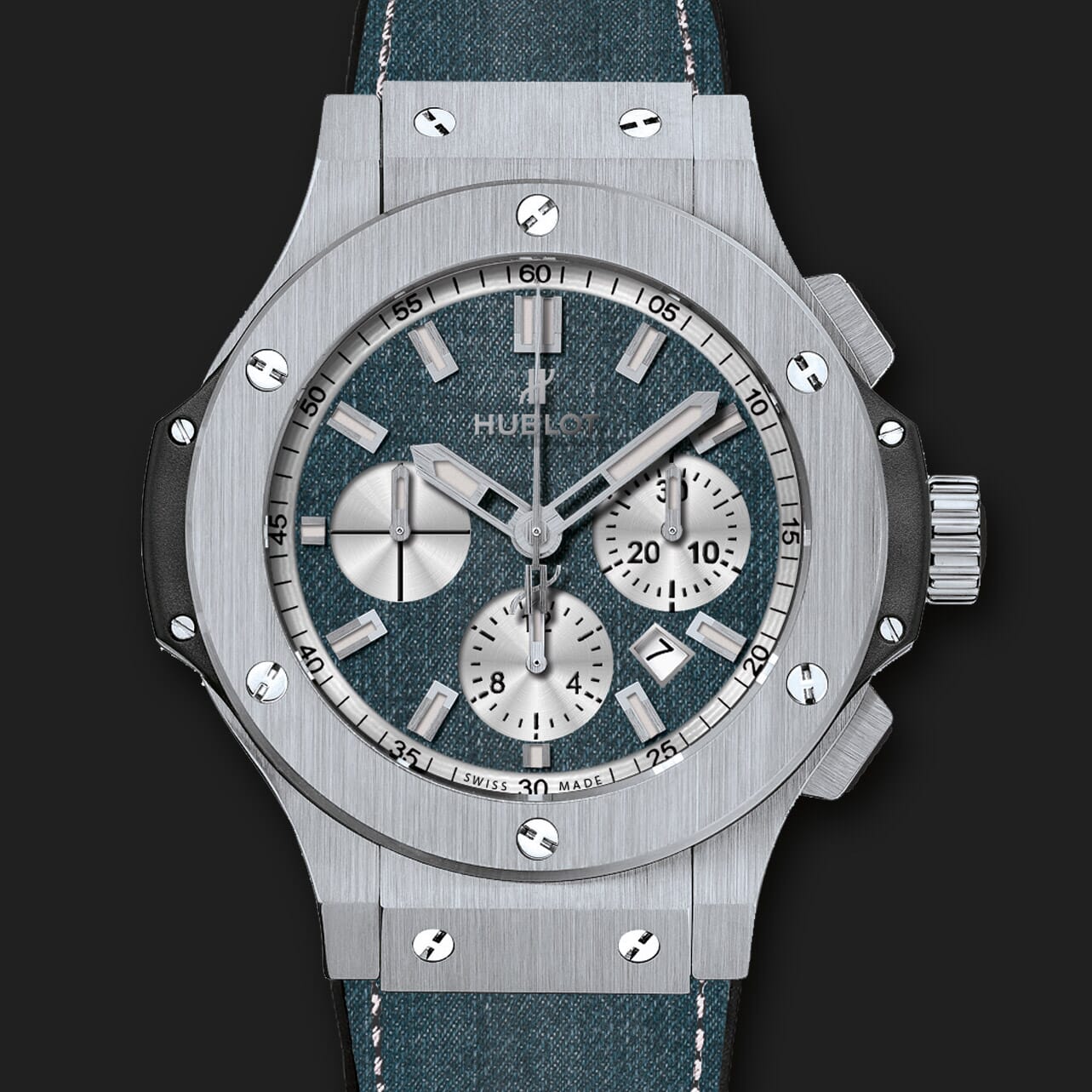
Zoom your VirtueMart product images with this gorgeous image zoom extension. Easy to install, it can be applied on any Product pages, Category pages and CMS pages.
Want an even better user experience for your customers? Check out Magic Zoom Plus! To zoom & enlarge all product images.
Smooth and elegant, you can refine its behaviour and design to suit your website. Just select from the options on the module settings page. It’s already been chosen by over 2,000 VirtueMart users over the last 8 years. The image zoom works on every device and is regularly updated – the perfect choice for your store!
61% of consumers believe image zoom is extremely important for E-Commerce. (small). You have to give your customers what they want. Install a free trial version of Magic Zoom today!
Features you'll love...
- Responsive
- Fast
- Built with SEO in mind
- Image caching
- Easy to customise
- Auto image resizing
- Scrollable thumbnails
- Supports all templates
- Watermarked images
- On-demand loading
- Regularly updated
- jQuery compatible
- One-off payment
Live demos

Screenshots
Installation
- Download the Magic Zoom component for VirtueMart 1.x.x or VirtueMart 2.x/3.x/4.x (free and fully functional demo version).
- Go to Extensions > Manage. In Upload Package File, select the zip file that you just downloaded and click Upload File and Install.
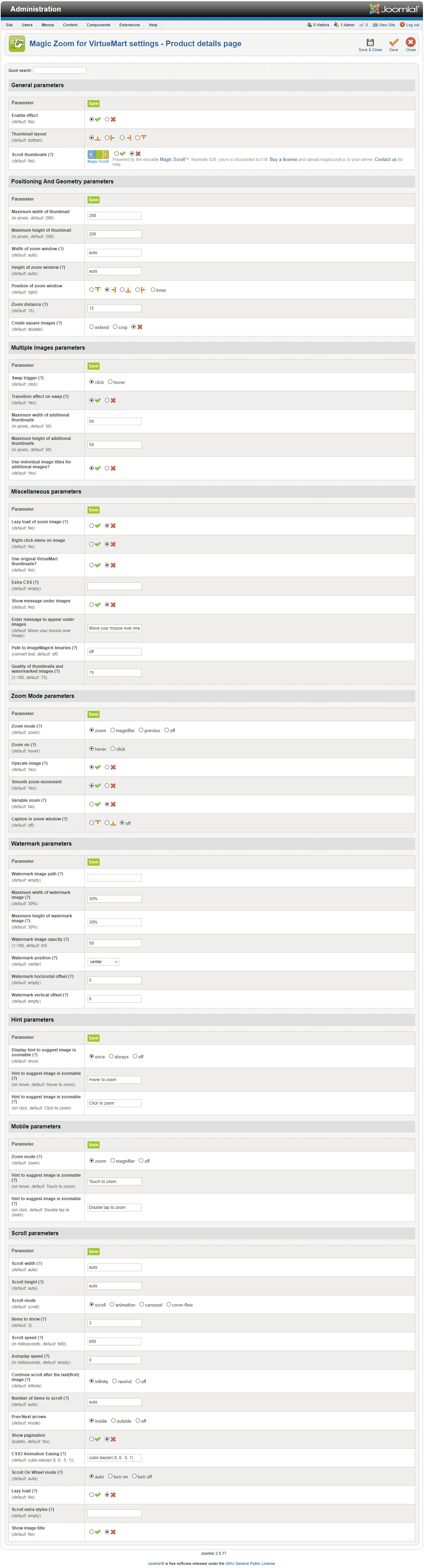
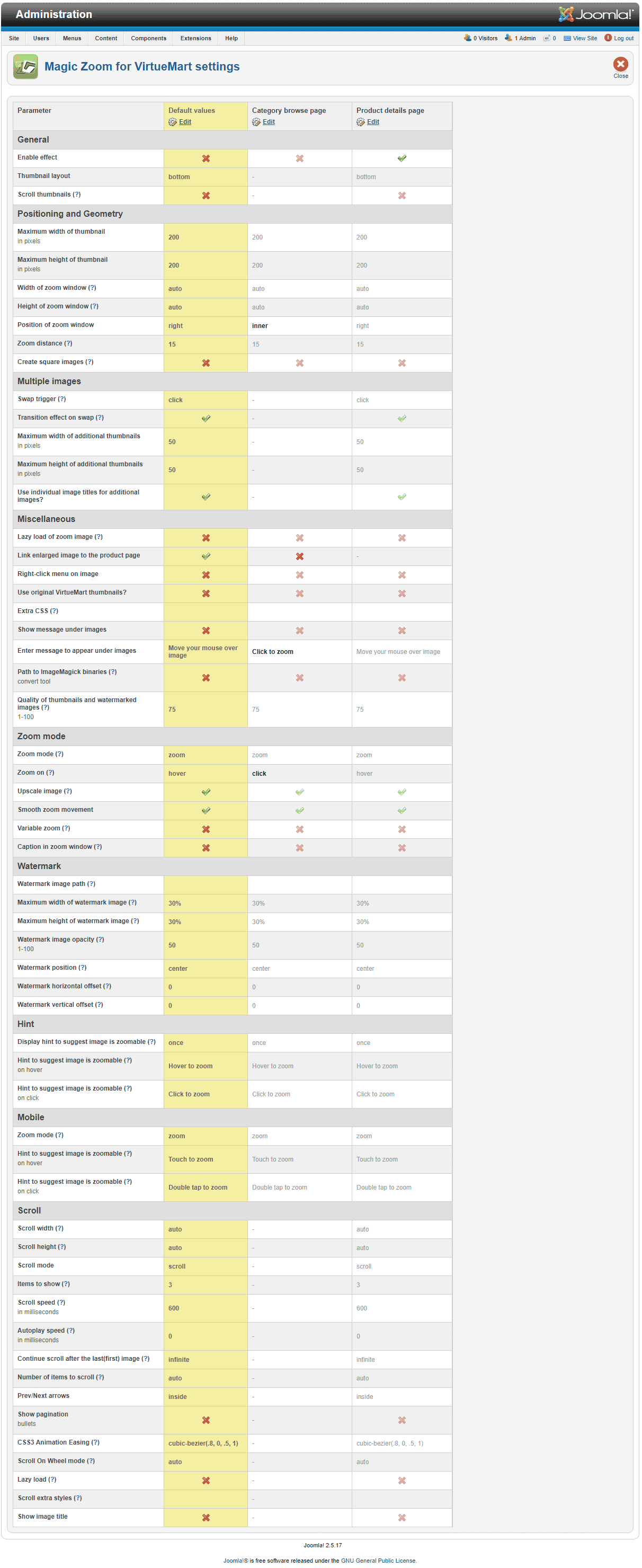
- Open the page Components > Magic Zoom to customize Magic Zoom as you wish. You can assign profiles to pages via the "Pages" page.
- It is ready to use

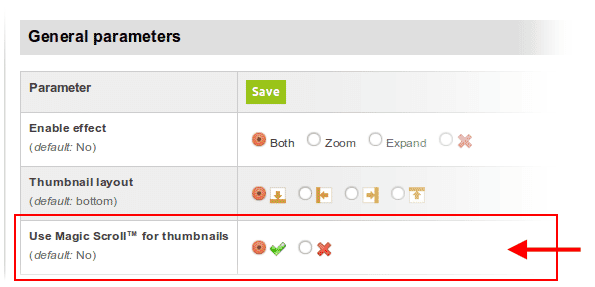
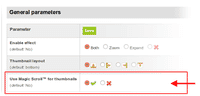 Activate Magic Scroll™ to enjoy organised thumbnails on your product page: Components > Magic Zoom > Use Magic Scroll™ for thumbnails > Select 'tick' > Save changes.
- Buy Magic Zoom To upgrade your free and fully functional trial version of Magic Zoom (which removes the "Trial version" text), buy Magic Zoom and overwrite following file with the same one from your licensed version:
media/plg_system_vmmagiczoom/magiczoom.js
Module position
If you don't see Magic Zoom component for VirtueMart working, please change the module position here: Administrator > Extensions > Modules manager > Magic Zoom module for VirtueMart. If it still does not work, you may have an incompatible template. Please send us your FTP access details and login/password for your Joomla back-end and we will help you.
Video installation instructions
Multiple images
Swapping between many images is already a standard feature in Magic Zoom. But if you have lots of images, the page can look complicated.
Make your thumbnails look slick and organised with Magic Scroll for VirtueMart. It neatly contains the images adds arrows to slide between them. Example:









- Simply activate Magic Scroll on the Magic Zoom options page.
- To remove the "Please upgrade" text, buy a license and overwrite the /modules/mod_virtuemart_magiczoom/core/magicscroll.js file with that from your licensed version.
Customize effect
To customize colors and borders, edit the magiczoom.css file located in /media/plg_system_vmmagiczoom/magiczoom.css. Also, look at the customization guide.
Combine zoom & spin




Zoomable static images look great when combined with a 360 product spin. Install both Magic Zoom and Magic 360 to bring your VirtueMart product gallery to life.
- Install the VirtueMart extension for Magic Zoom.
- Install the VirtueMart extension for Magic 360.
- Create a new product or open an existing one.
- Upload your zoom images to your product as normal.
- Upload your set of spin images to your server:
images/magic360/{product-id}
Product attributes


















Do your products come in different colours or styles?
Magic Zoom works with VirtueMart product attributes out of the box.
Each product may have "child" products each with different images.
When your customers select a child product, the gallery updates to reveal specific images.
Whether you choose radio, dropdown menu or swatch thumbnails - product attributes is a perfect way to show customers your product range.
Uninstallation
Thanks for trying Magic Zoom on your VirtueMart site! What did you hope Magic Zoom could do? How can we improve it? Let us know, we're always improving our tools based on customer feedback.
- Go to: Extensions > Plugin Manager > Disable plugin.
- Go to: Extensions > Extension Manager > Manage > Add tick in box next Magic Zoom for VirtueMart > Click 'Uninstall'.
- Magic Zoom is now uninstalled.
Dejan, tenej.com melix, laremiseauxtissus.fr James, rockerbmx.com Florence, poeanuanua.comCustomer reviews
Submit your review
Your review has been received and will be posted soon.
Other VirtueMart components
Try our other great image effects!
 Magic Zoom Plus
 Magic Thumb
 Magic 360
 Magic Slideshow
 Magic Scroll
This image zoom component was created for VirtueMart, the ecommerce engine for Joomla!.
All versions are supported: Joomla 1.5-3.x, VirtueMart 1.x, VirtueMart 2.x, VirtueMart 3.x.